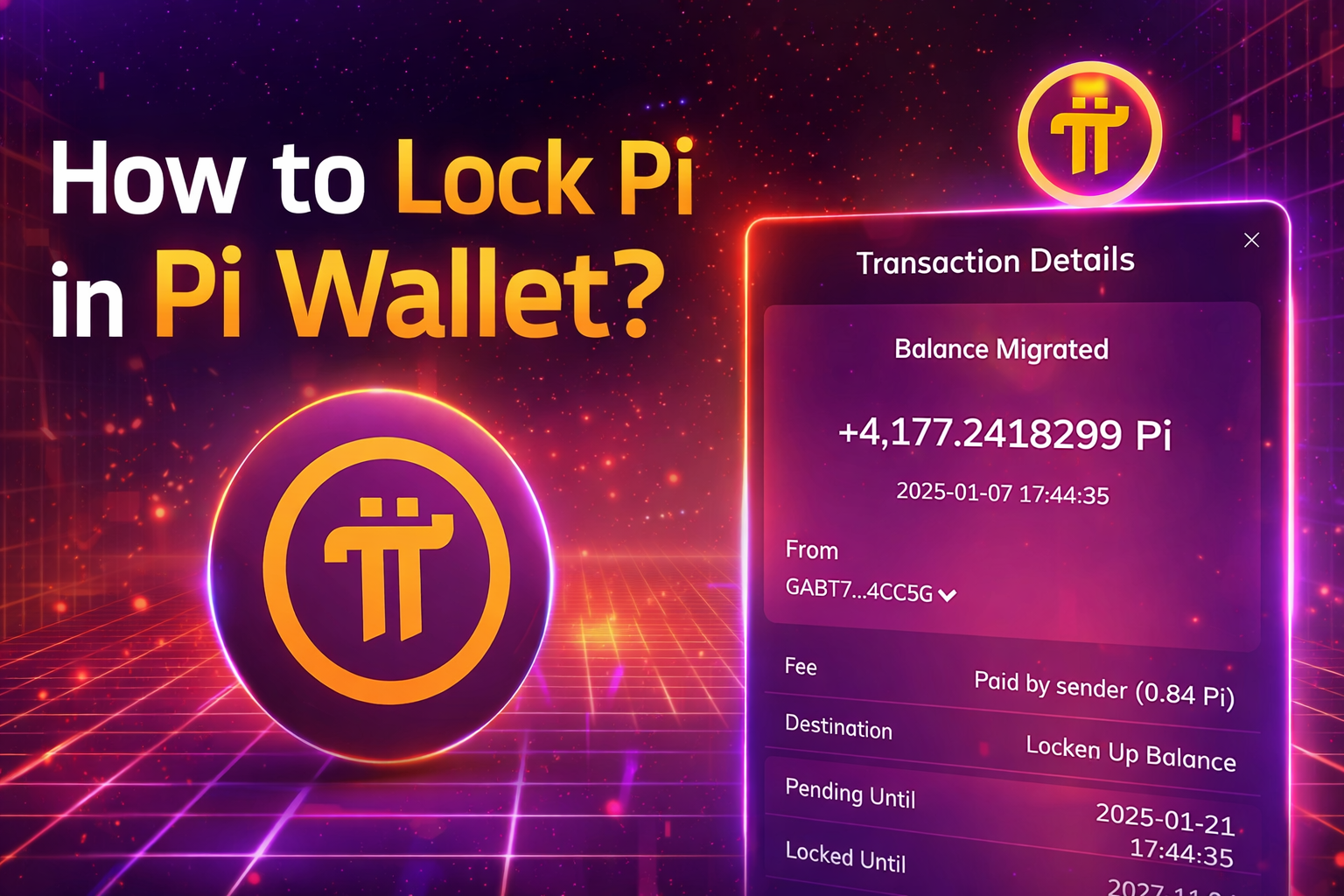
Pi Network allows users, known as Pioneers, to increase their mining rate by using a feature called Pi Lockup. This feature is built directly into the Pi Wallet and is designed to encourage long-term participation in the network.
Many users hear about Pi lockup but are unsure how it works or how to set it up correctly. In this guide, you’ll learn what Pi lockup is, how it affects mining rate, and how to lock Pi step by step using the official Pi Wallet.
⚠️ This article is for educational purposes only and does not provide financial advice.
What Is Pi Lockup?
Pi Lockup is a voluntary feature that allows users to commit a portion of their Pi balance for a fixed period of time. During the lockup period, the locked Pi cannot be transferred or used.
In return for this commitment, Pi Network provides a mining rate boost, which increases the amount of Pi you mine per hour.
The lockup feature is optional, and users can choose:
- How much Pi to lock
- How long to lock it
How Pi Lockup Affects Mining Rate?
When you lock Pi, the system applies a lockup reward multiplier to your base mining rate. Generally:
- Locking a higher percentage of Pi increases the multiplier
- Choosing a longer duration increases the multiplier further
This means users who commit more Pi for longer periods receive a higher mining rate compared to users who do not lock Pi.
The exact multiplier can vary based on network rules and may change over time as Pi Network evolves.
Requirements Before Locking Pi
Before you can lock Pi, make sure you have completed the following:
- Installed the Pi Network app
- Installed the Pi Browser
- Created and unlocked your Pi Wallet
- Completed Mainnet checklist steps, where applicable
- Safely stored your wallet passphrase
⚠️ Never share your wallet passphrase with anyone.
Step-by-Step Guide: How to Lock Pi in Pi Wallet
Step 1: Open Pi Browser
Open the Pi Browser app and log in using your Pi Network account.
Step 2: Access Pi Wallet
Inside Pi Browser, open Pi Wallet and unlock it using your wallet passphrase.
Step 3: Go to Lockup Settings
Locate the Lockup Configuration section in the wallet interface.
Here, you will be asked to select:
- The percentage of Pi to lock (for example, 25%, 50%, 90%, or 100%)
- The lockup duration (such as 2 weeks, 6 months, 1 year, or longer)
Step 4: Review Lockup Details
Carefully review:
- Amount of Pi being locked
- Lockup duration
- Estimated mining rate boost
Make sure you understand that locked Pi cannot be accessed until the lockup period ends.
Step 5: Confirm Lockup
Confirm your selection. Once completed, the lockup will take effect, and your mining rate will update automatically.
Choosing a Lockup Strategy
There is no single “best” lockup strategy for everyone. Your decision should depend on:
- Your long-term interest in Pi Network
- Your need for access to Pi
- Your comfort with locking assets for a fixed period
Some users prefer shorter lockups for flexibility, while others choose longer lockups to maximize mining incentives.
Is Locking Pi Safe?
Pi lockup is an official feature of the Pi Network ecosystem and is accessed only through the Pi Wallet.
However, users should be aware:
- Locked Pi cannot be used or transferred until the lockup period ends
- Lockup terms are set by Pi Network and may evolve
- Users are responsible for securing their wallet credentials
Always rely on official Pi applications and verified sources.
Common Mistakes to Avoid
- Locking Pi without understanding the duration
- Forgetting the wallet passphrase
- Using unofficial apps or links
- Assuming lockup guarantees future value (it does not)
Pi Lockup is a tool designed to reward long-term participation in the Pi Network by offering mining rate incentives. While it can increase your mining rate, it is important to understand how the feature works and to make decisions based on your own situation.
This guide aims to help you understand the process, benefits, and responsibilities involved in locking Pi.
Frequently Asked Questions (FAQ)
What happens to my Pi after the lockup period ends?
Once the lockup period ends, your locked Pi becomes available in your wallet again. You will then be able to use, transfer, or re-lock it depending on the options available at that time.
Can I unlock my Pi before the lockup period ends?
No. Pi lockup is fixed for the duration you choose. After confirmation, the locked Pi cannot be accessed until the lockup period expires.
Does locking Pi guarantee higher future value?
No. Locking Pi only affects your mining rate, not the future value of Pi. Cryptocurrency values depend on many factors, and users should make decisions carefully.
Is Pi lockup mandatory?
No. Pi lockup is completely optional. Users can continue mining without locking Pi, but they will not receive the lockup-related mining boost.
Can beginners use Pi lockup?
Yes. Pi lockup is available to all users who have set up their Pi Wallet and completed the required steps. Beginners should take time to understand the lockup terms before confirming.
Is Pi lockup similar to other mobile mining networks?
Yes. Several mobile-based mining projects use long-term participation incentives. However, each network has different rules, risks, and reward structures.
Where can I learn about similar mining networks?
You can explore educational guides on other mobile mining platforms on cryptomomos.com to better understand how different networks work.
Related Guides on Mobile Mining and Wallet Setup
If you’re interested in learning how other mobile mining projects work, you may also find these educational guides helpful:
Crypto Wallet Setup for Airdrops
Learn how to securely prepare crypto wallets for mobile mining projects and airdrop-based participation.
https://cryptomomos.com/setup-crypto-wallet-airdrops-2026/
Rubi Network Mining Guide
An informational guide explaining how the Rubi Network works and how its mining concept compares to similar platforms.
https://cryptomomos.com/rubi-network-mining-guide/
Magnitude Network Mining Guide
A beginner-friendly overview of the Magnitude Network, including its mining process and participation requirements.
https://cryptomomos.com/magnitude-network-mining-guide-2026/